

Overview
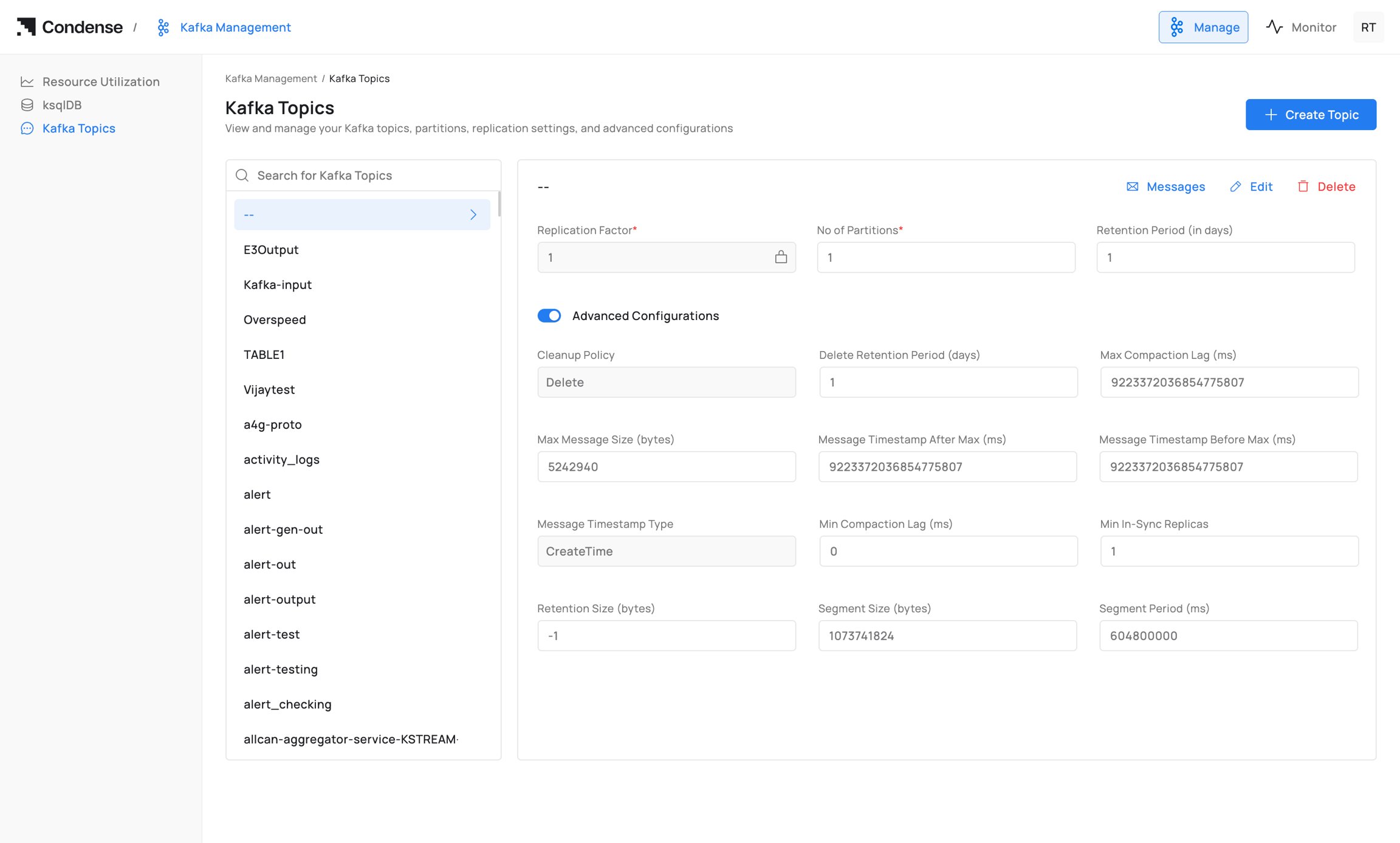
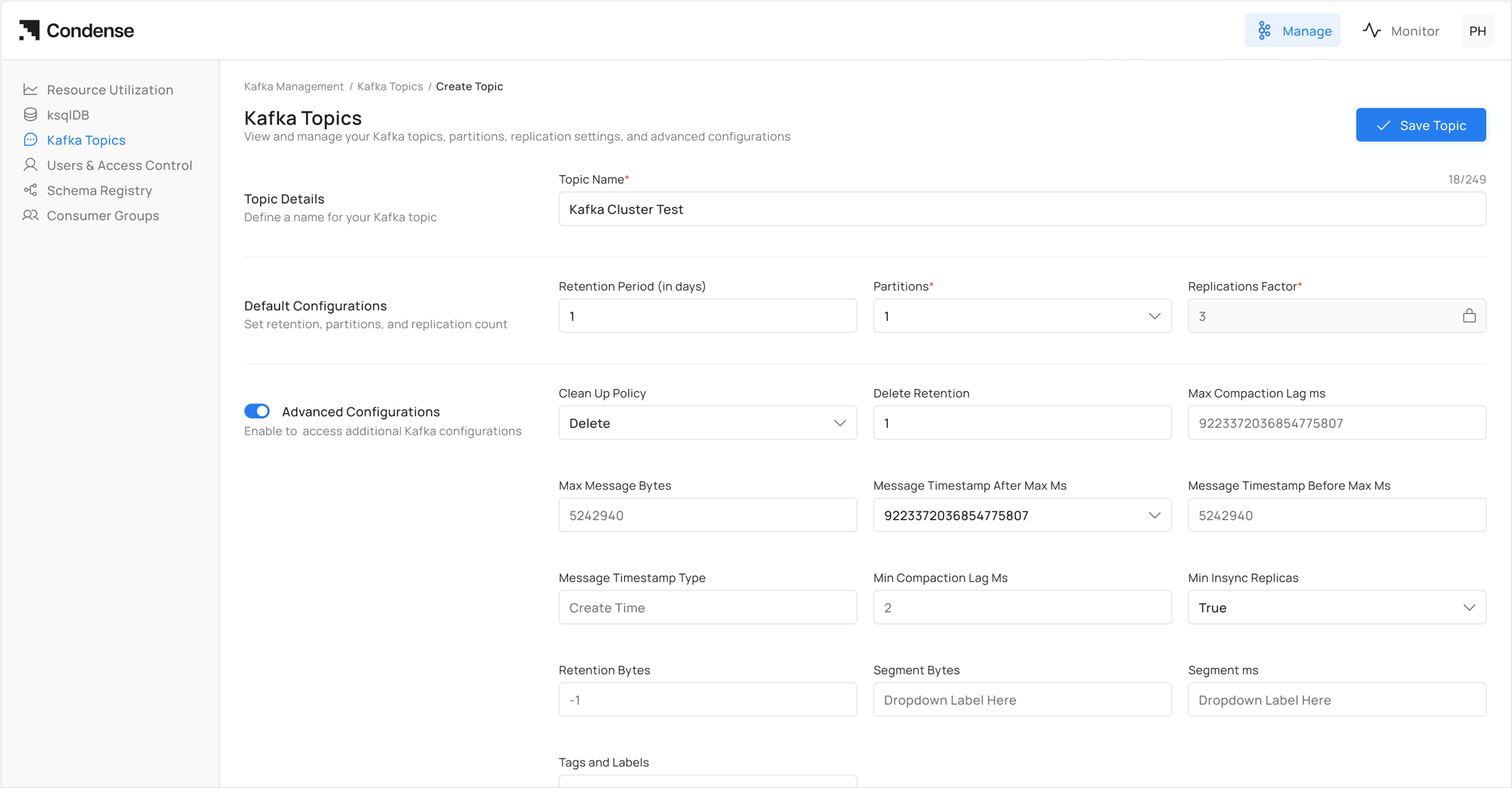
The Kafka Topics page in Condense provides a management interface to view, create, and configure topics within a Kafka cluster. From this page, administrators can define replication and partitioning, adjust retention policies, and apply advanced topic-level settings without requiring direct Kafka CLI commands. Path: Kafka Management → Kafka TopicsTopic List
On the left-hand panel, Condense displays all existing topics in the connected Kafka cluster.- Topics are listed alphabetically.
- A search box allows filtering by topic name.
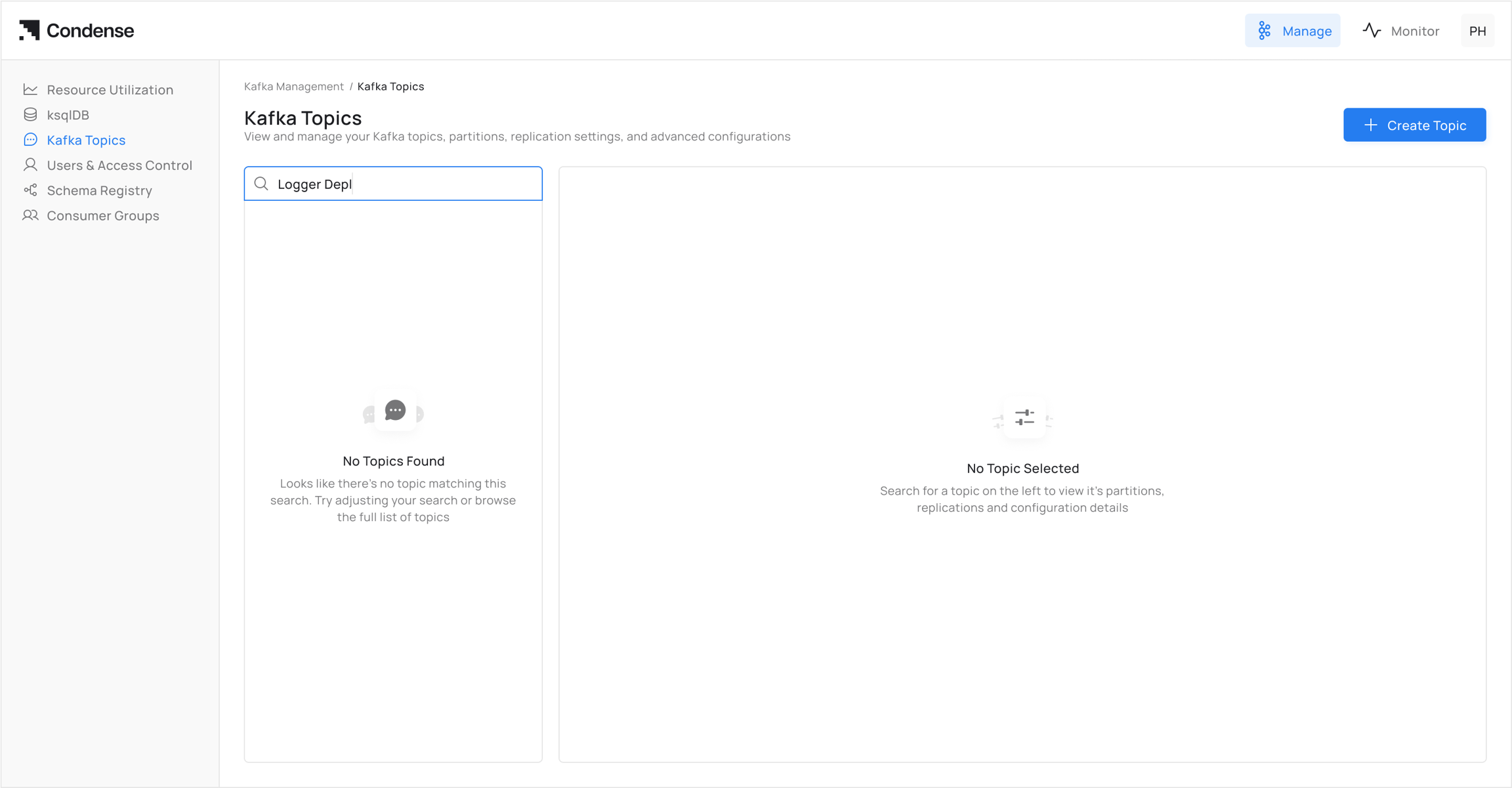
- Selecting a topic loads its configuration details in the main panel.
Topic Actions
For each topic, Condense provides the following actions in the top-right menu:- Messages → Opens the message viewer for browsing records in the topic.
- Edit → Enables modification of topic configuration.
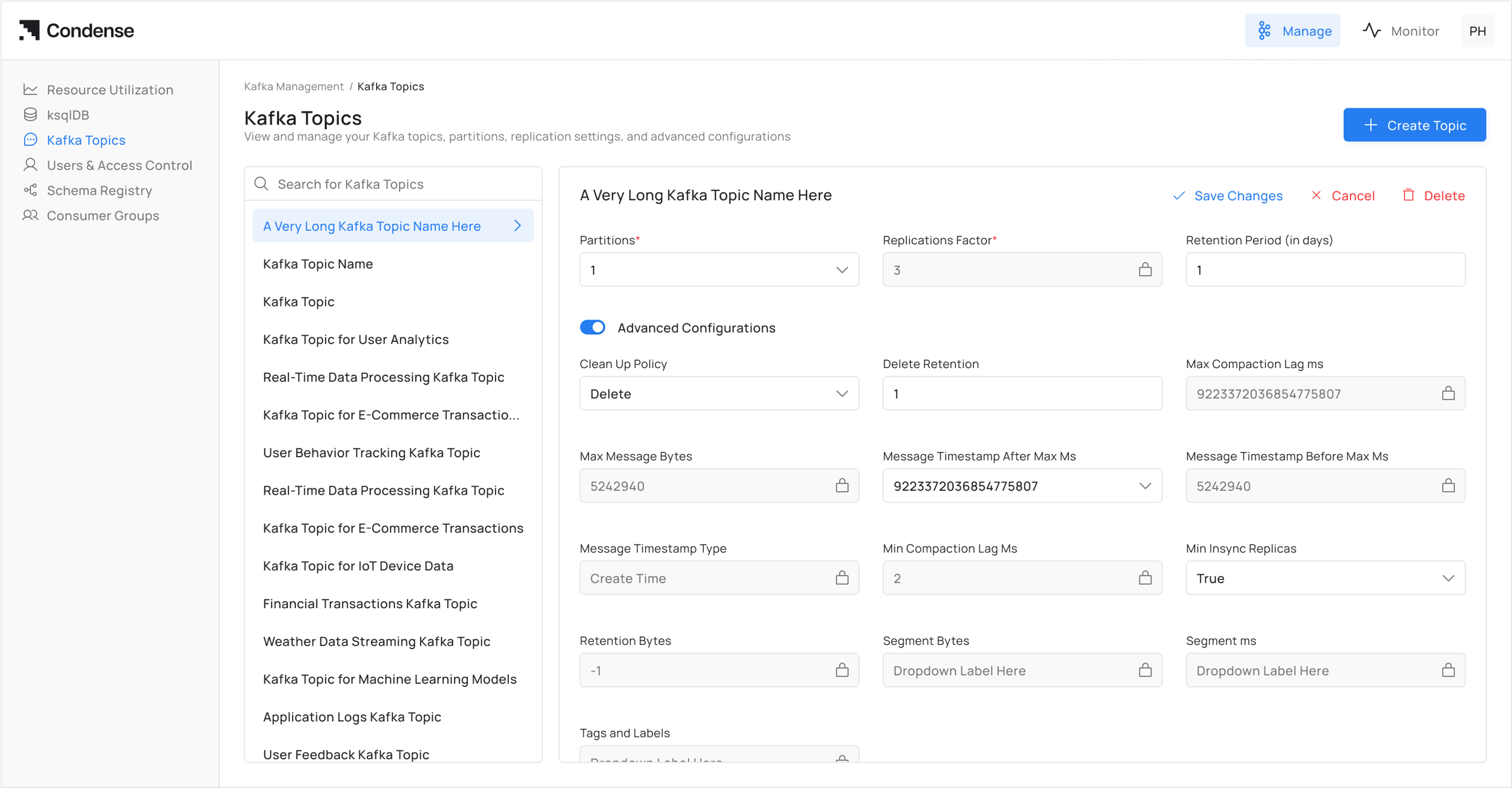
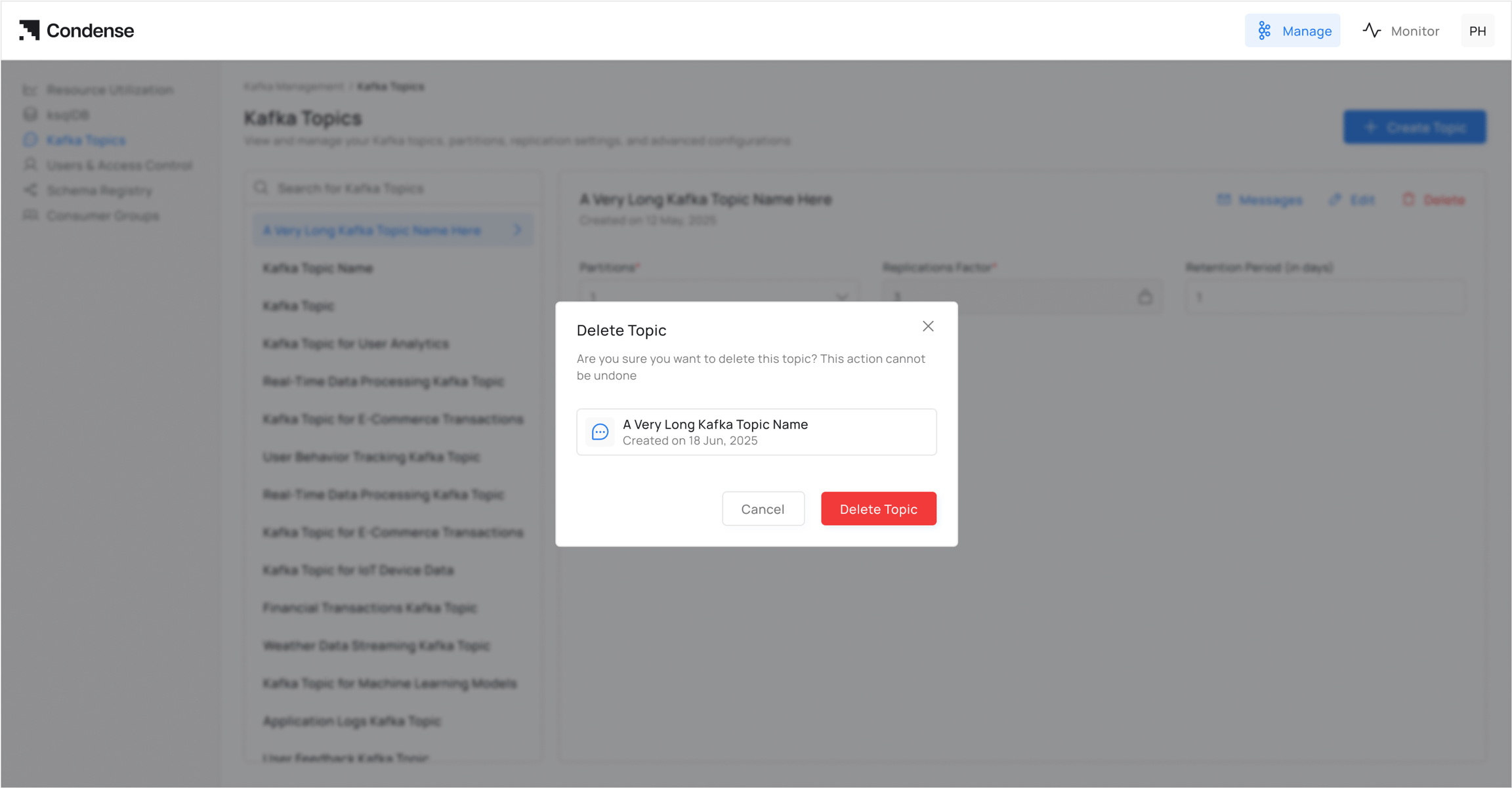
- Delete → Permanently deletes the selected topic from the cluster.
Basic Configuration
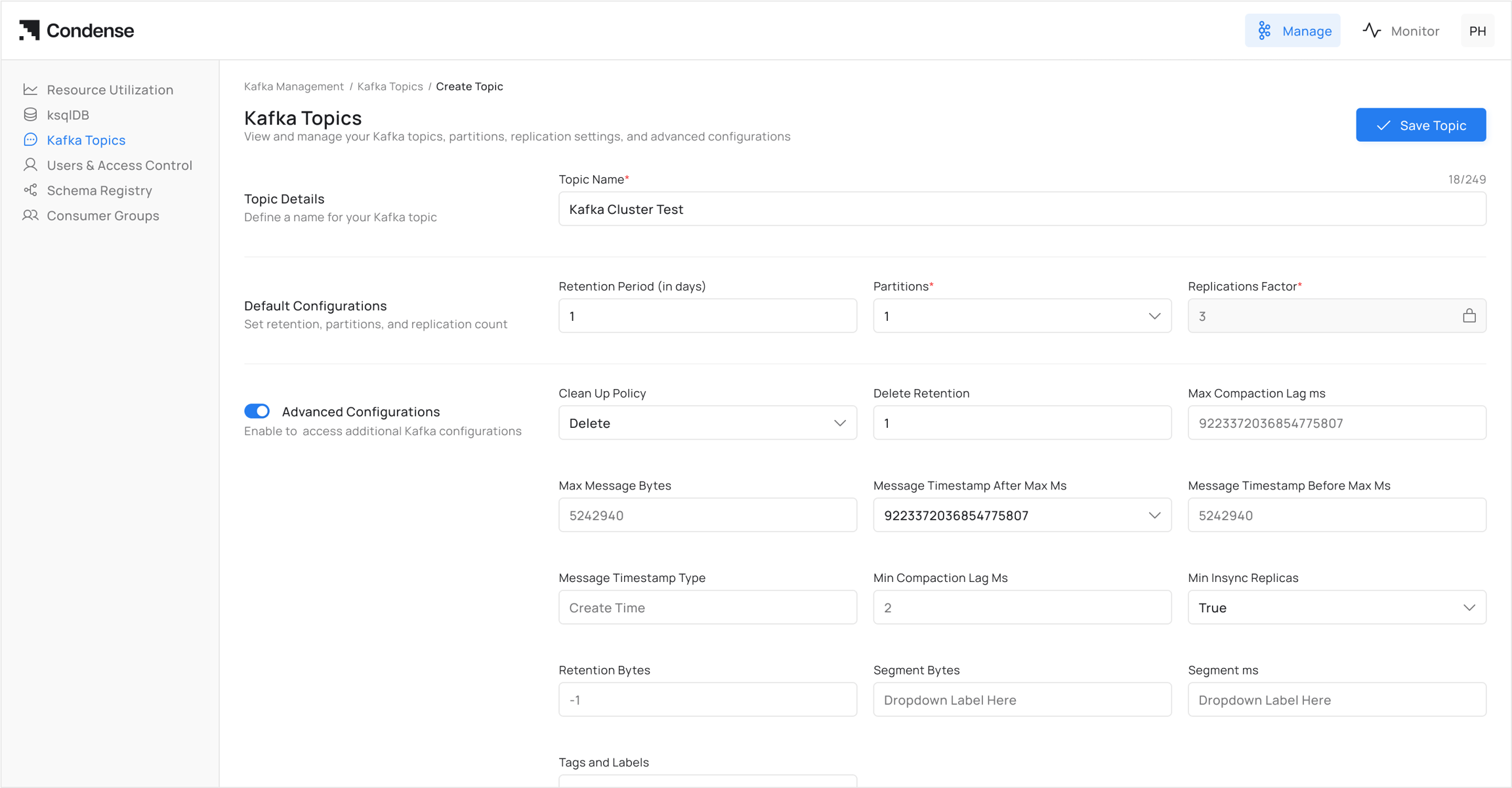
When creating or editing a topic, the following required fields must be definedAdvanced Configurations
Advanced settings allow fine-grained control of topic behavior. These fields map directly to Kafka topic configuration parameters.Usage Notes
- All advanced fields correspond to Kafka’s topic-level configuration properties.
- Fields not explicitly set in Condense will use Kafka cluster defaults.
- Certain changes (e.g., partition count) are not reversible once applied.
- Care must be taken with retention and cleanup policies to avoid unintended data loss.