

SSO (Single Sign On)
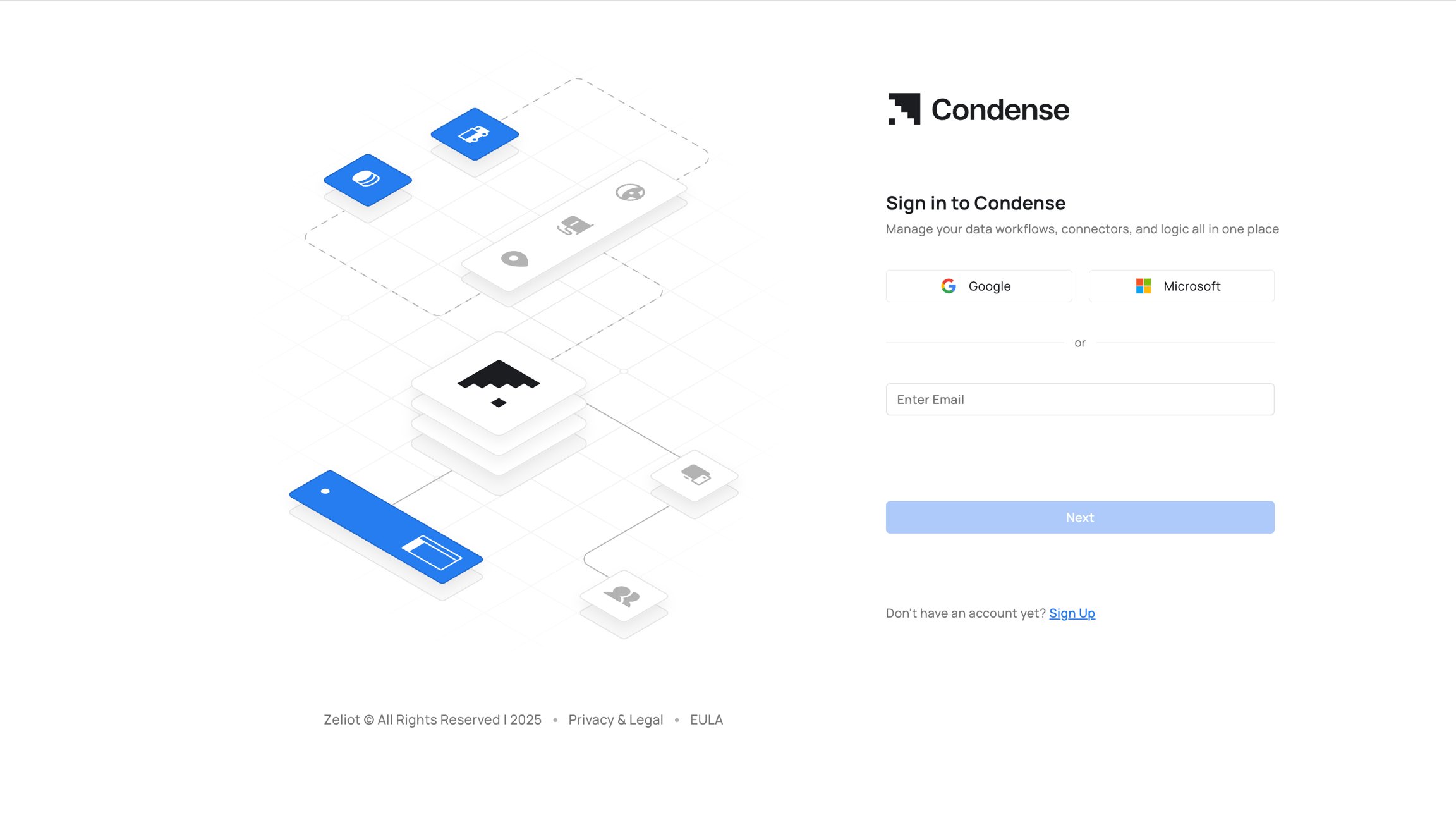
Seamless Authentication
Allows users to log in using corporate or third-party identity provider credentials (e.g., Google, Microsoft, Github).Google & Microsoft Integration
Currently supports Google-based SSO; Microsoft SSO will be enabled soon.Secure and Convenient Access
Reduces password fatigue and enhances security by centralizing authentication through work email.Workspaces
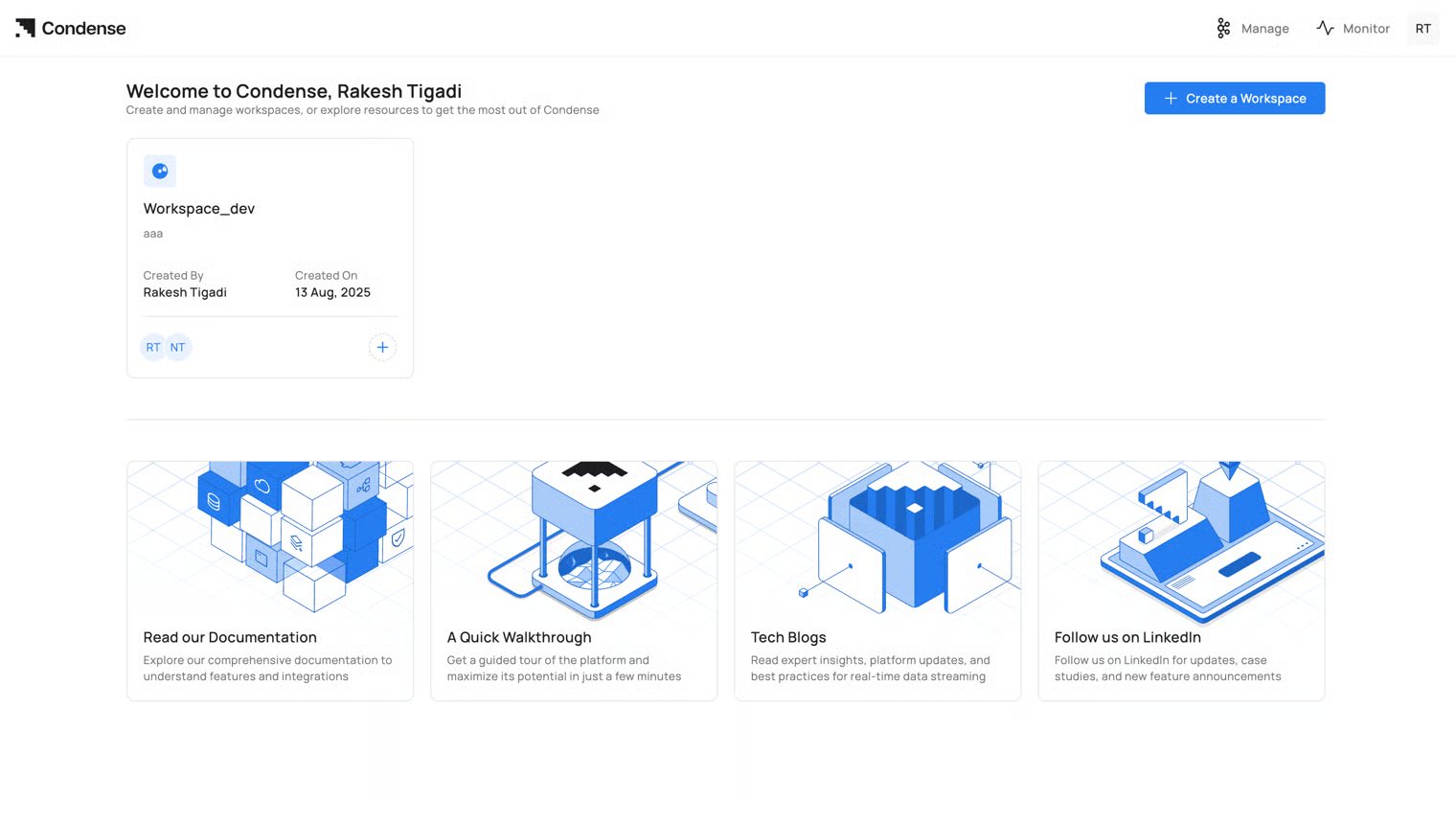
- Centralized Development Environment Workspaces in Condense act as dedicated areas for building, testing, and deploying pipelines.
- Default Workspace New users are provided with a default workspace to explore features and set up pipelines.
- Custom Workspaces Users can create additional workspaces, assign custom names and descriptions, and organize workflows effectively.
- Improved Organization Descriptive labels and creation dates help manage and categorize pipelines by project or functionality.
Applications
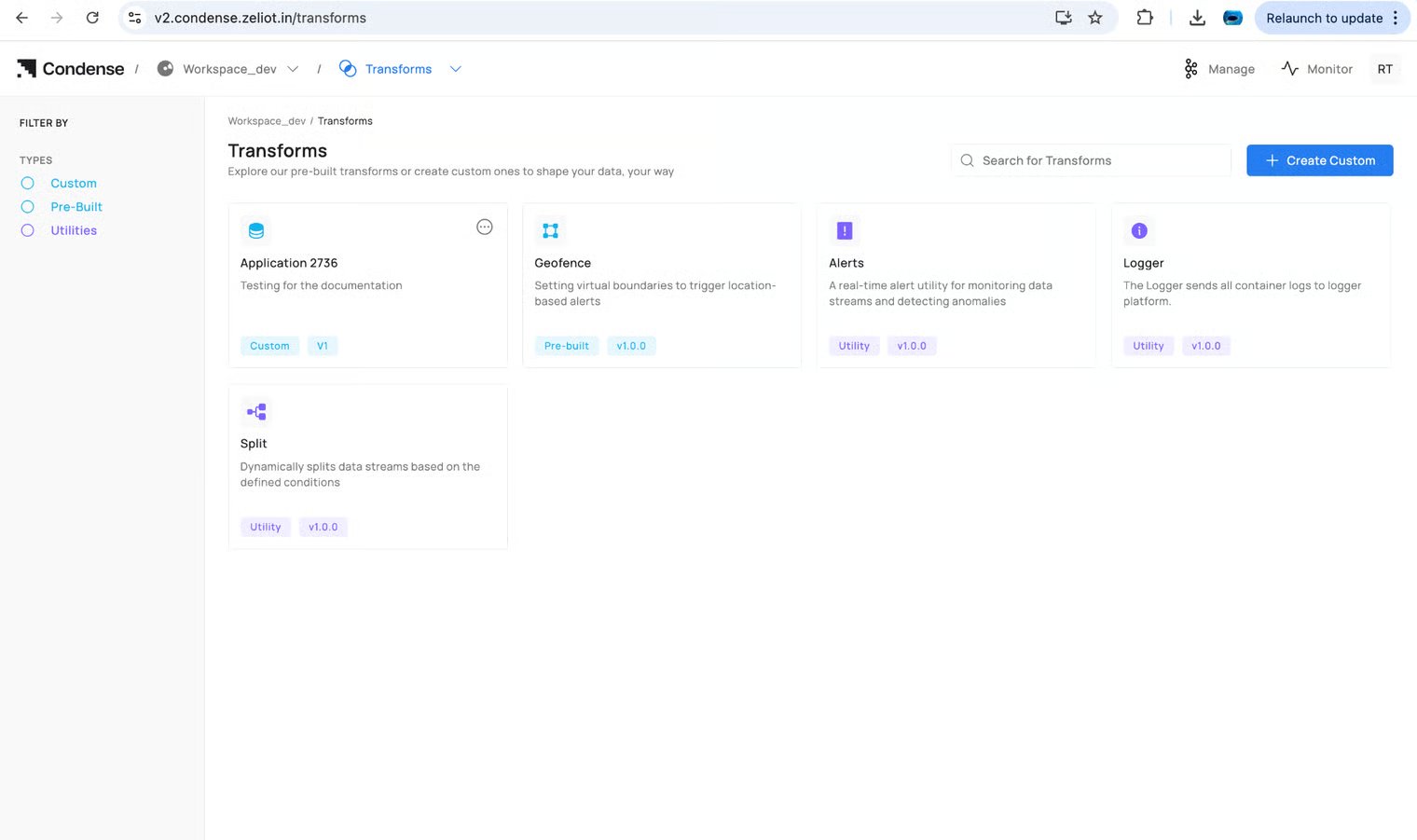
- Development Environment:a. Build, develop, and test custom logic or transformations in isolated environments. b. Automatic notifications and cleanup for unused environments
- Integrated Version Control: Connect repositories from GitHub, GitLab, or Bitbucket for streamlined code management.
- Custom Transform Deployment: Applications can be published as Custom Transforms and integrated into pipelines.
- Lifecycle Management: Applications transition between draft and published states, enabling iterative development.
Pre-Built Connectors
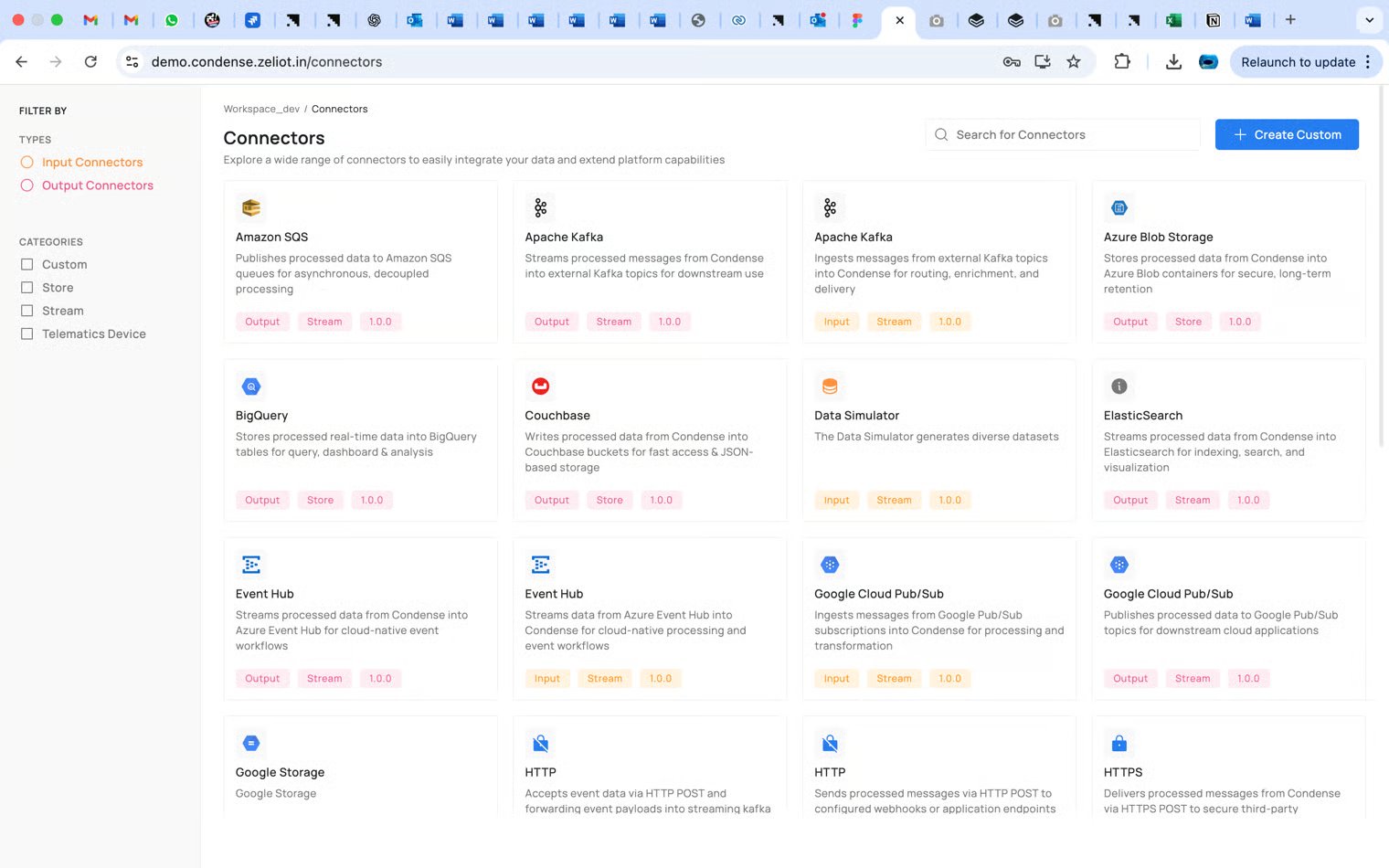
- Stream Connectors: a. Handle real-time data ingestion with tools like Kinesis, MQTT, and HTTPS connectors. b. Enable seamless integration of continuous data flows for IoT and analytics.
- Store Connectors: a. Facilitate integration with databases like MongoDB, MySQL, Cassandra, and InfluxDB. b. Provide data persistence for analytics and visualization.
Mobility domain-specific vertical connector
Vehicle Telematics:
a. Specialized in real-time data flow from vehicle telematics devices like Teltonika and Condense Edge. b. Supports TCP/IP and MQTT protocols for efficient data communication.Custom Transforms
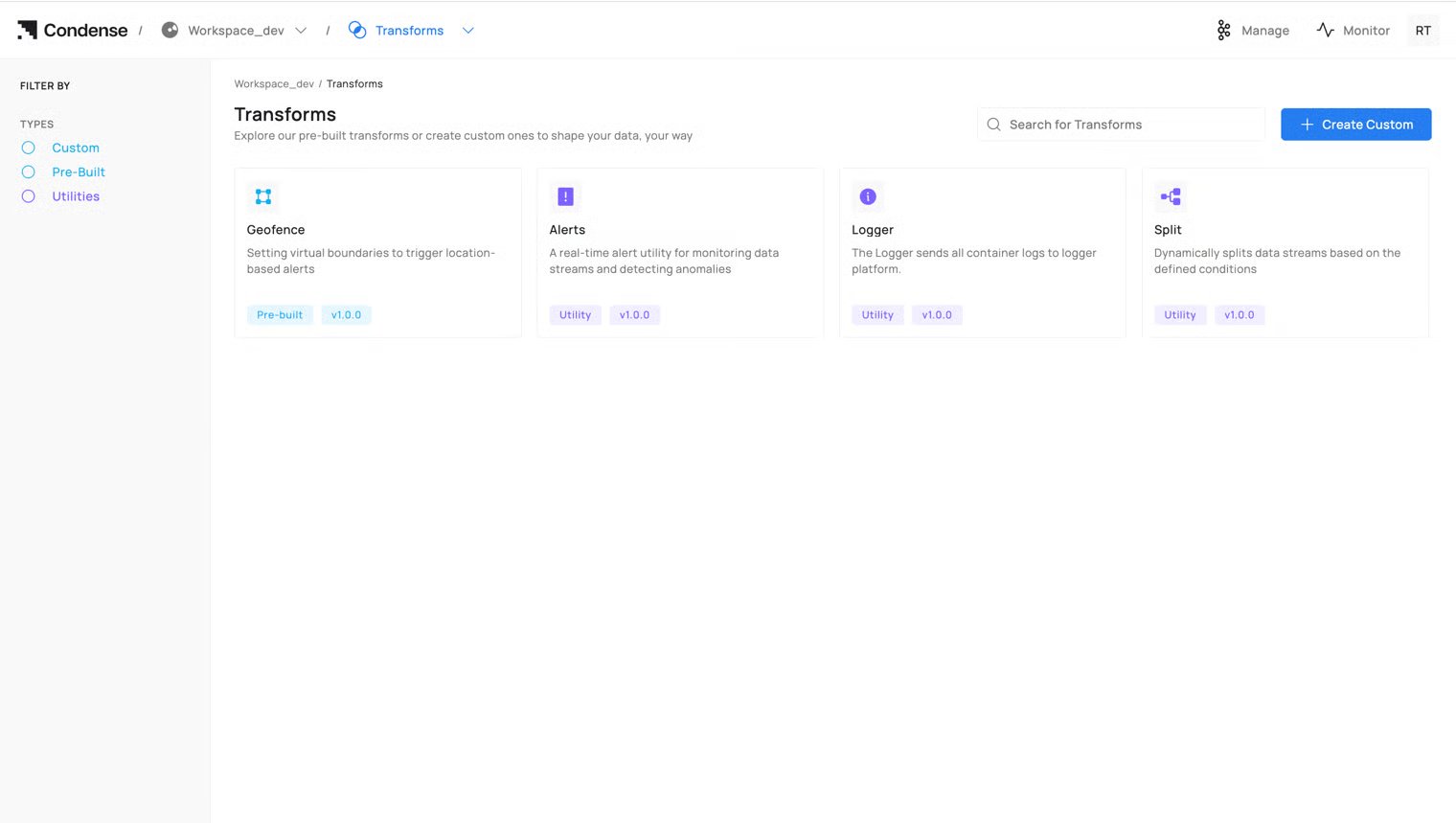
- Flexible Development:
Role-Based Access Control (RBAC)
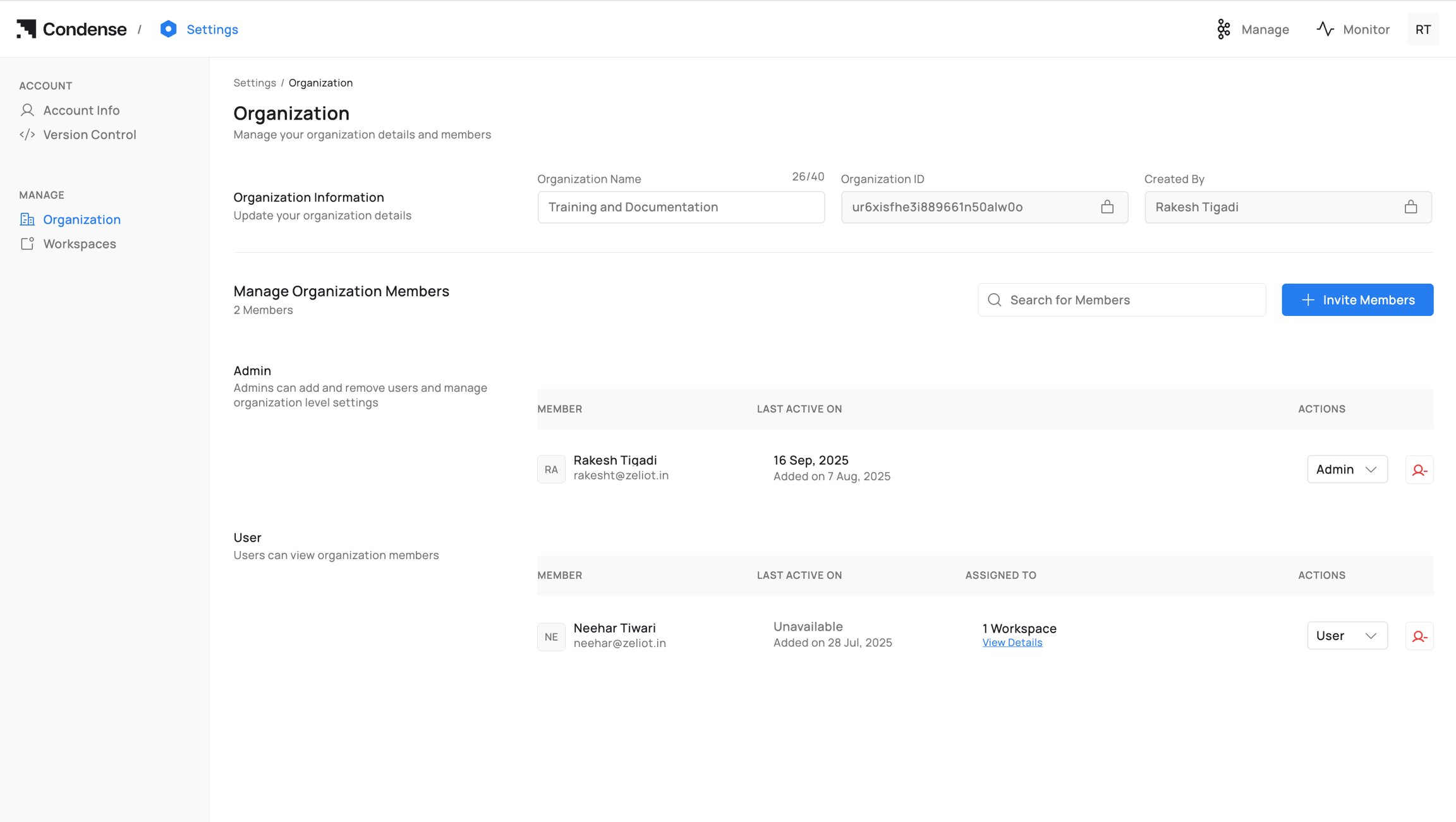
- Hierarchical Roles: Organization-level roles (Admin, User) and Workspace-specific roles (Maintainer, Developer, Viewer) define access control.
- User Management: Admins can invite users, assign roles, and manage permissions.
- Granular Control: Assign specific permissions for managing pipelines, connectors, and applications.
Activity Auditor
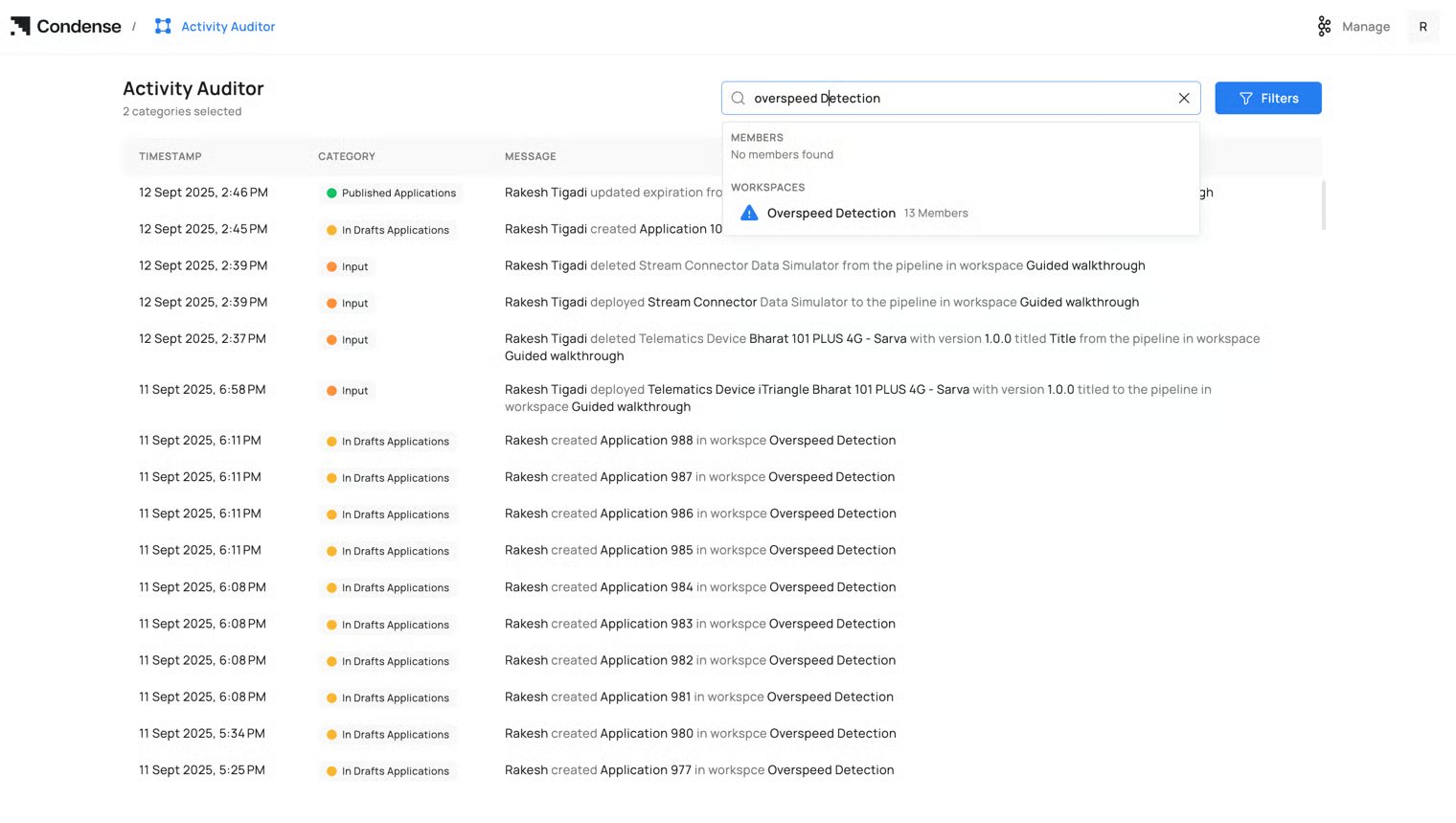
- Comprehensive Activity Logs: Tracks actions across workspaces, connectors, applications, and user roles.
- Filtering and Searching: Enables users to locate specific logs by keywords, user names, or dates.
- Monitoring and Compliance: Ensures transparency and simplifies troubleshooting.
Settings
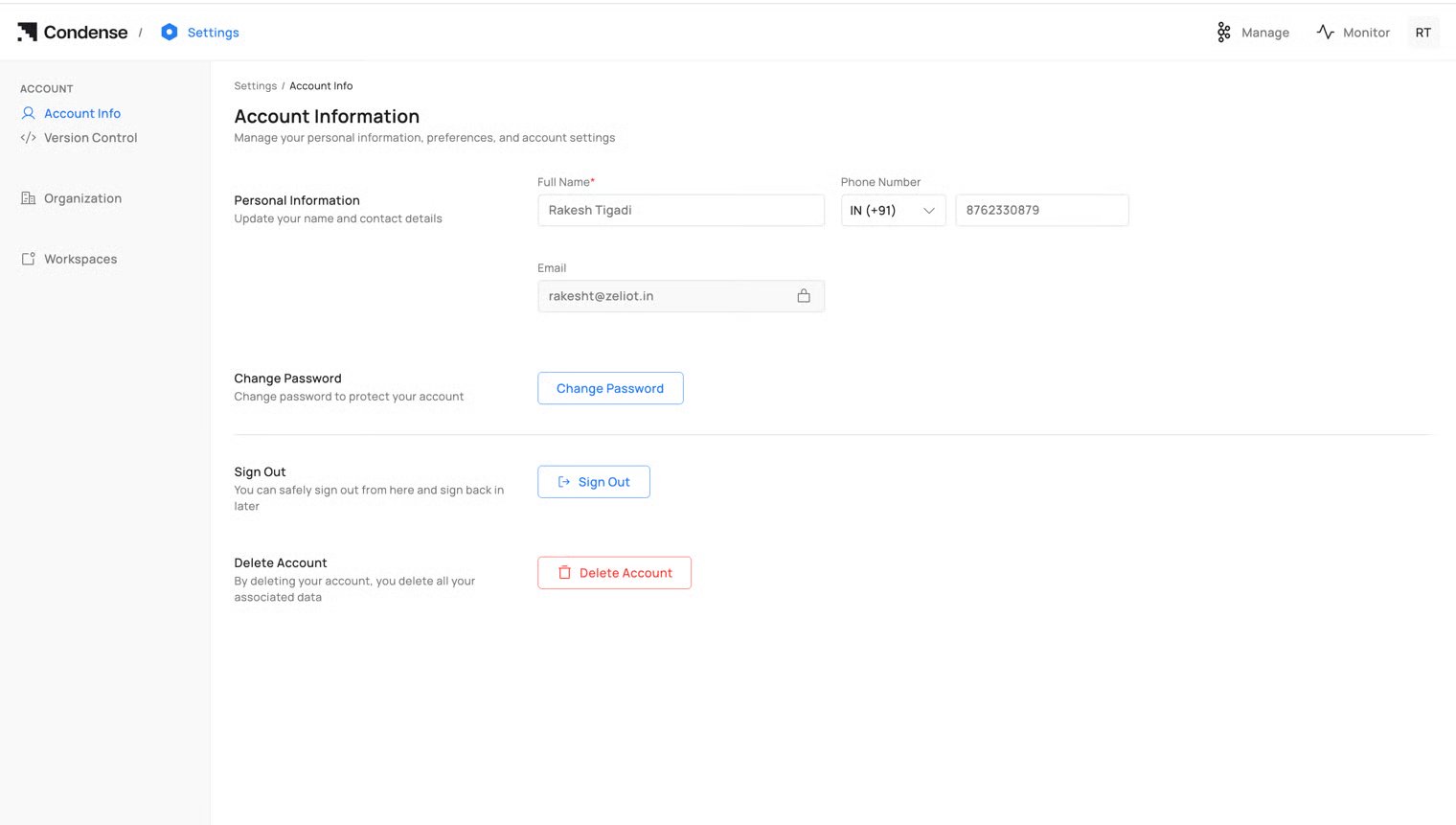
- Personal and Organization Details: Manage personal information and organizational settings.
- Code Repository Management: Connect and manage repositories for seamless version control.
- User and Role Management: Invite users, manage pending invites, and update roles.
- Account Actions: Features like secure sign-out and account deletion for data control.