

- In the Upgrade plan window, select Talk to Sales on the plan you want.
- A window titled We’ll Be in Touch confirms the request and says that our team will contact you at your email address shortly.
- Select Close. The Condense sales team has been told by email that your organization is interested.
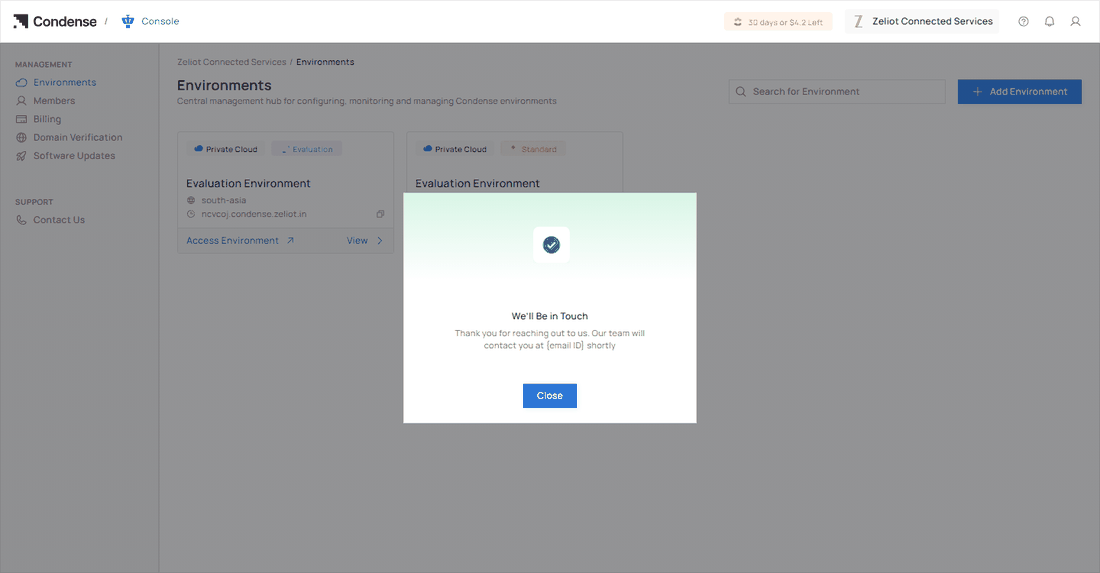
The confirmation after you select Talk to Sales.
What happens next
- The Condense team contacts you at the email address of your account to understand what you need and agree the plan.
- Your plan does not change when you select Talk to Sales. It changes when the team completes the upgrade with you.
- When your plan changes, you see a welcome window. See After your plan changes.