

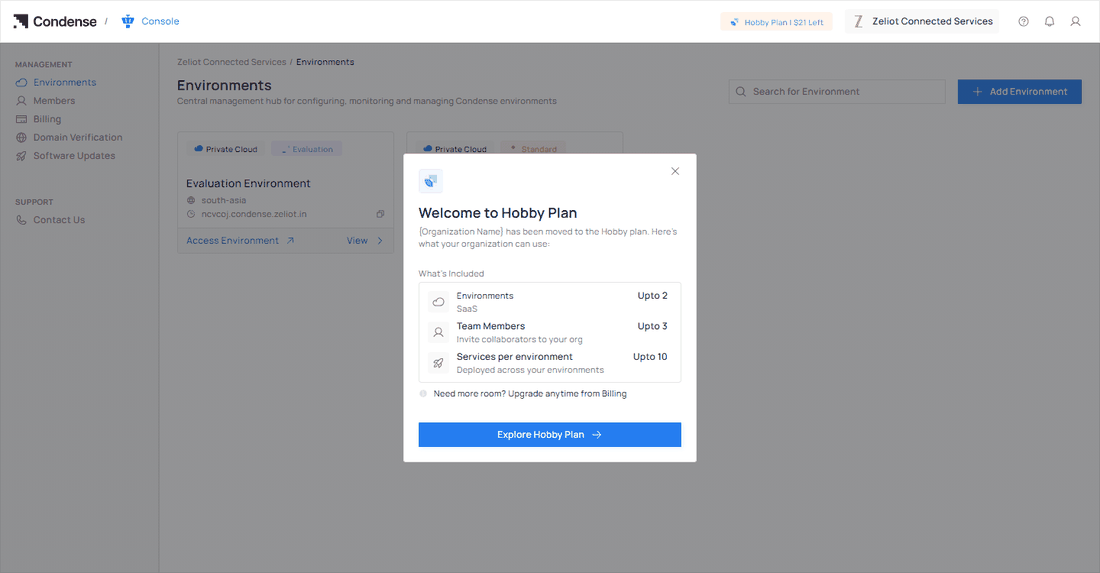
Welcome to Hobby Plan The figures in this illustration are examples.
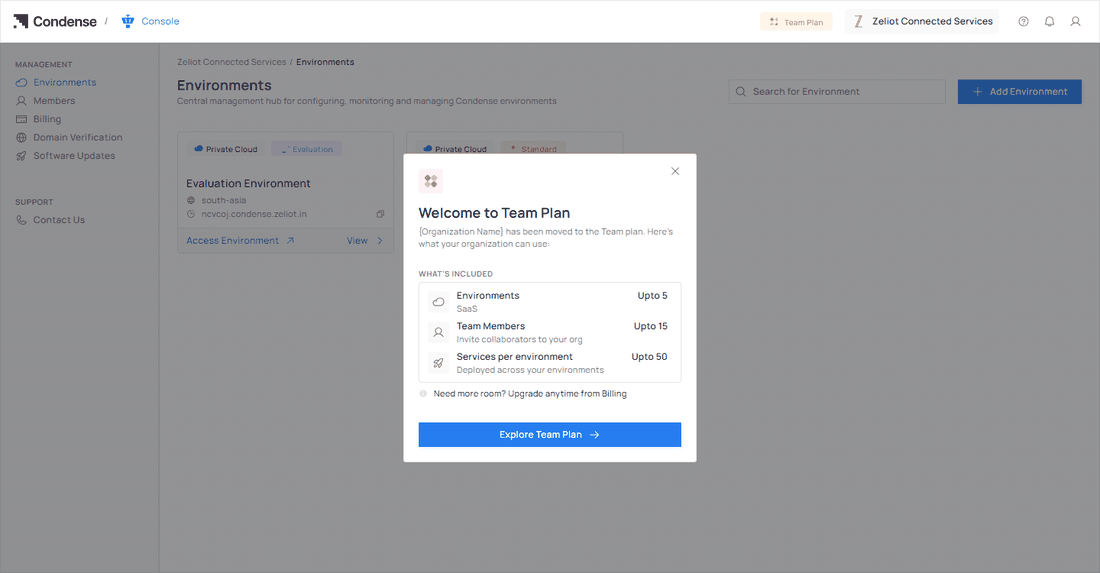
Welcome to Team Plan The figures in this illustration are examples.
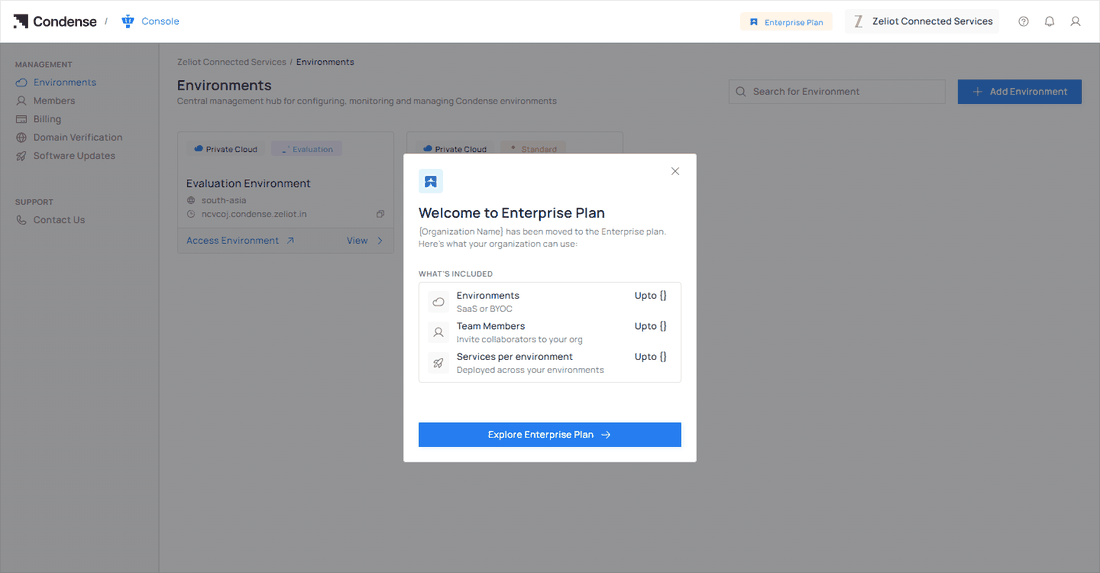
Welcome to Enterprise Plan The figures in this illustration are examples.
- Environments: The kind of environments you can run and how many. On Hobby and Team the environments are SaaS. On Enterprise you can choose SaaS or BYOC.
- Team Members: How many collaborators you can invite to your organization.
- Services per environment: How many services you can deploy in each environment.
The Enterprise confirmation email
When an organization moves to Enterprise, its Organization Admins also receive an email titled Enterprise Plan Activated. It tells you the organization has upgraded, that Enterprise unlocks customized usage limits and plan configurations for your requirements, which plan is now active and from when, and it links to the Console.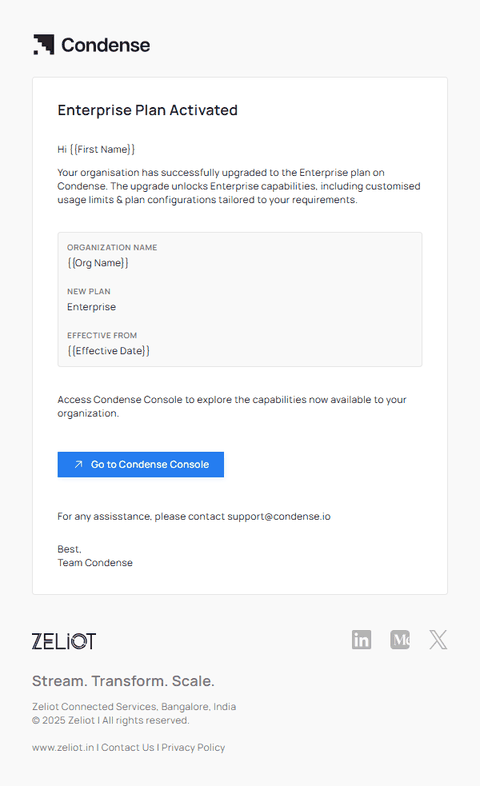
The Enterprise Plan Activated email.